A prospecting workflow that fits in LinkedIn
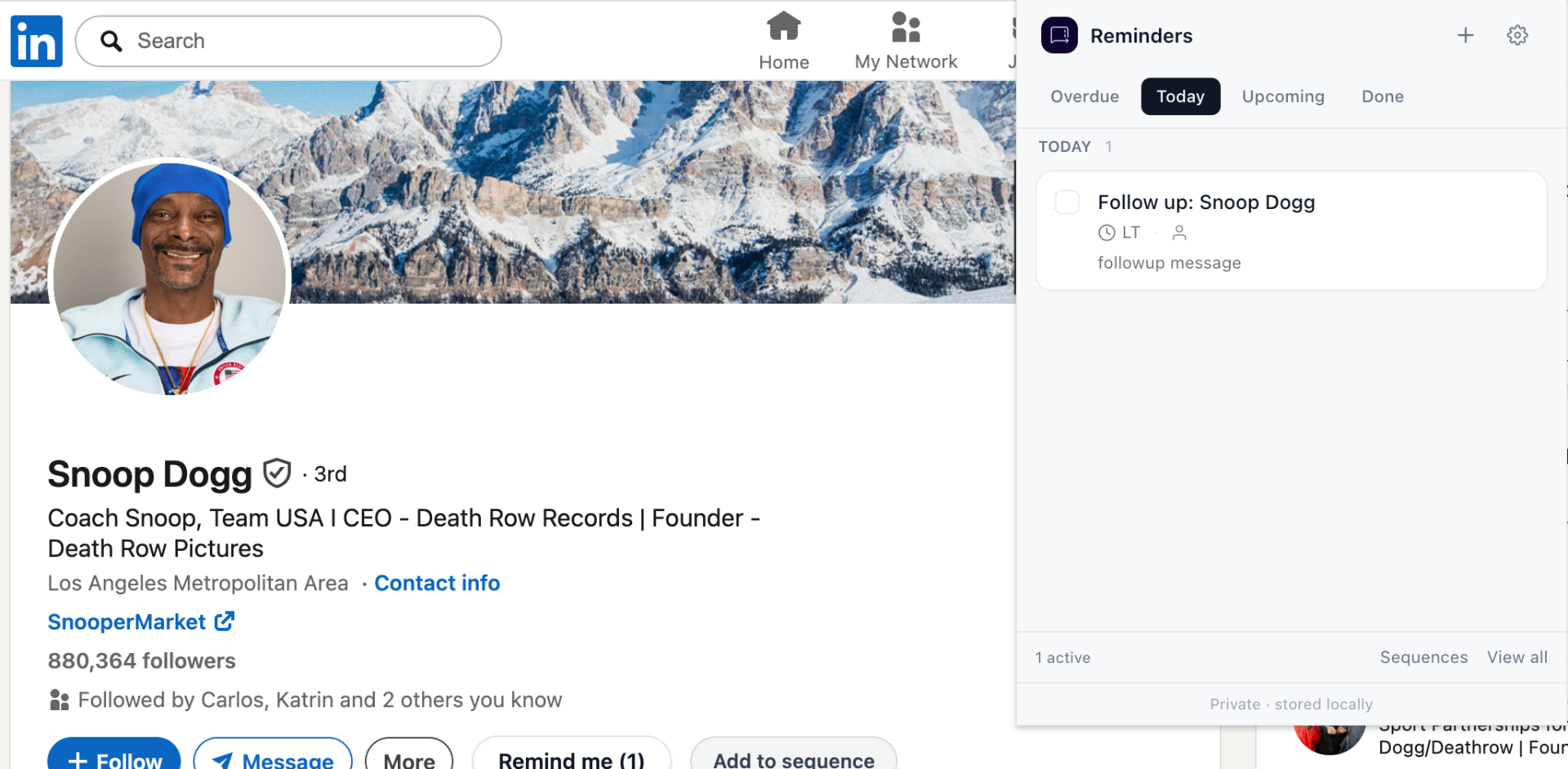
- Source a prospect, save the profile with a 3-day reminder.
- After the intro message, set a 5-day "follow-up if no reply" reminder.
- After the discovery call, set a reminder for the next touchpoint.
- After they go quiet, set a 30-day re-engagement reminder.
Why this beats a spreadsheet
Spreadsheets require context switching and dual data entry. A reminder attached to the actual LinkedIn profile or thread keeps the context with the reminder — one click and you're back.
When you outgrow this
When you have a team, multiple stages, and reporting needs, you'll want a real CRM. Until then, keep things simple.
Frequently asked questions
Do I need a CRM to prospect on LinkedIn?
Not if your pipeline fits in your head. A reminder system inside LinkedIn covers most solo-seller and founder workflows without the CRM overhead.
When should I send the second touch?
Three to five business days after the first message for cold prospects. A week for warm replies that have gone quiet.