
The 3-touch rule
- Day 0 — initial DM, personal and specific.
- Day 4 — short follow-up with a new angle or reason.
- Day 11 — one more, add proof or a low-friction ask.
- Day 25 — final polite check-in, then close the loop mentally.
What kills DM follow-ups
Not the copy. Not the target. It's forgetting. LinkedIn buries the thread the moment a newer message arrives, and starred messages don't ping you back. A reminder attached to the thread itself fixes 90% of this.
What to actually write
Reference the last message in one line, add one piece of new context, ask one clear question. Four sentences max. See the full follow-up message templates for exact wording.
Timing: how long to wait
Three to five business days is a reasonable first wait. Shorter feels pushy; much longer and the person has forgotten your first message. If you sent the DM on a Friday afternoon, count from Monday. If the person mentioned travel or a launch, wait until after it.
Each later follow-up should leave a bit more space than the last. That pattern reads as patient and human rather than automated.
Tone: friendly, short, specific
- Don't apologise for following up, and don't guilt-trip ("just bumping this again…").
- Add something new each time: a relevant link, a short result, a simpler question.
- Make replying easy — a yes/no question or two time options works better than "thoughts?".
- Write it yourself. Generic, templated messages are easy to spot and easy to ignore.
Knowing when to stop
After three or four touches with no reply, close the loop with a polite last message — for example, "I'll stop here, but feel free to reach out if this becomes relevant." Then set one long reminder, two or three months out, in case circumstances change. Many good conversations start on that later message.
Using a tool to keep the cadence
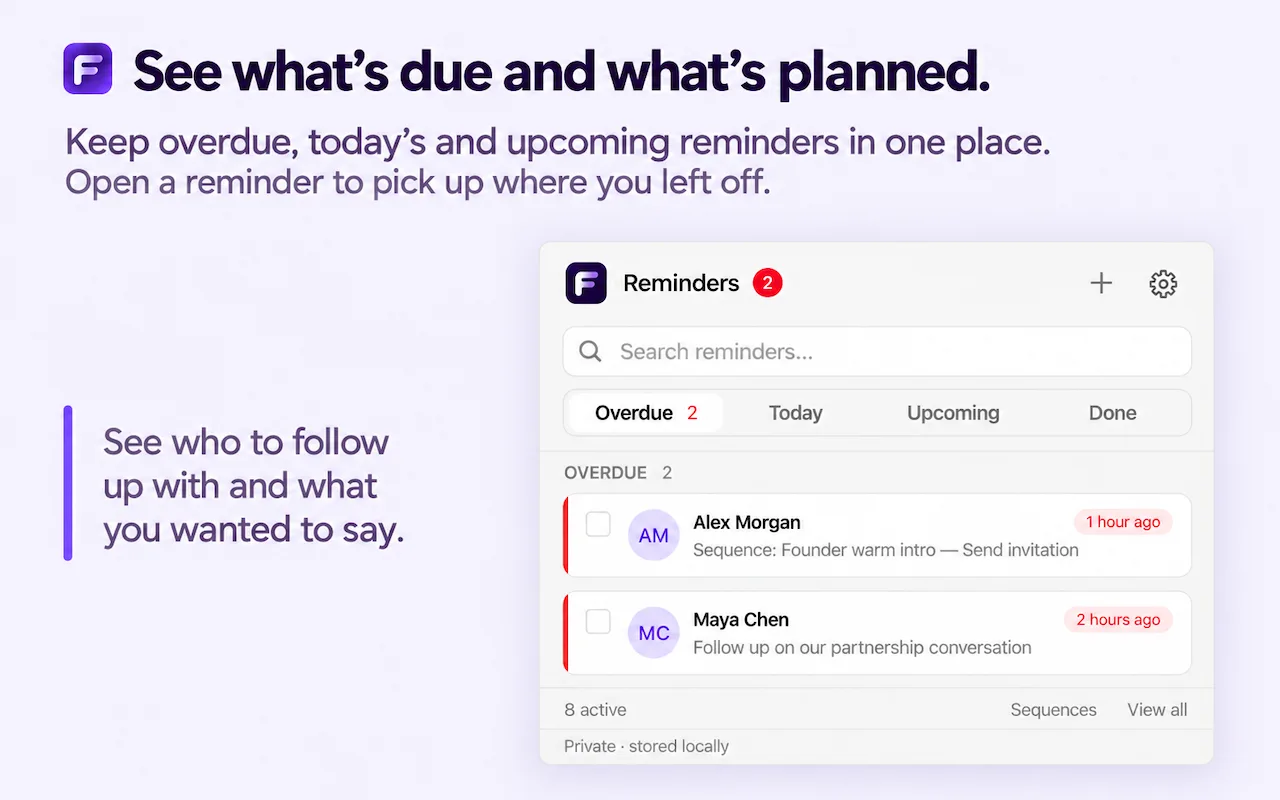
The hard part isn't knowing the schedule, it's remembering it across dozens of threads. With the LinkedIn Reminders tool, you set the next follow-up date right after sending each message. When the reminder is due, it links straight back to the conversation, so the next message takes a minute instead of a search.
Frequently asked questions
When should I follow up on a LinkedIn DM?
Wait 3–5 business days after the first message. Second follow-up 7–10 days after that. Third and final touch about two weeks later — then stop.
How do I remind myself to follow up on a LinkedIn DM?
Use a Chrome extension that attaches a reminder to the LinkedIn thread itself. When the reminder fires, you get a direct link back to the conversation with full context.