
The CRM trap
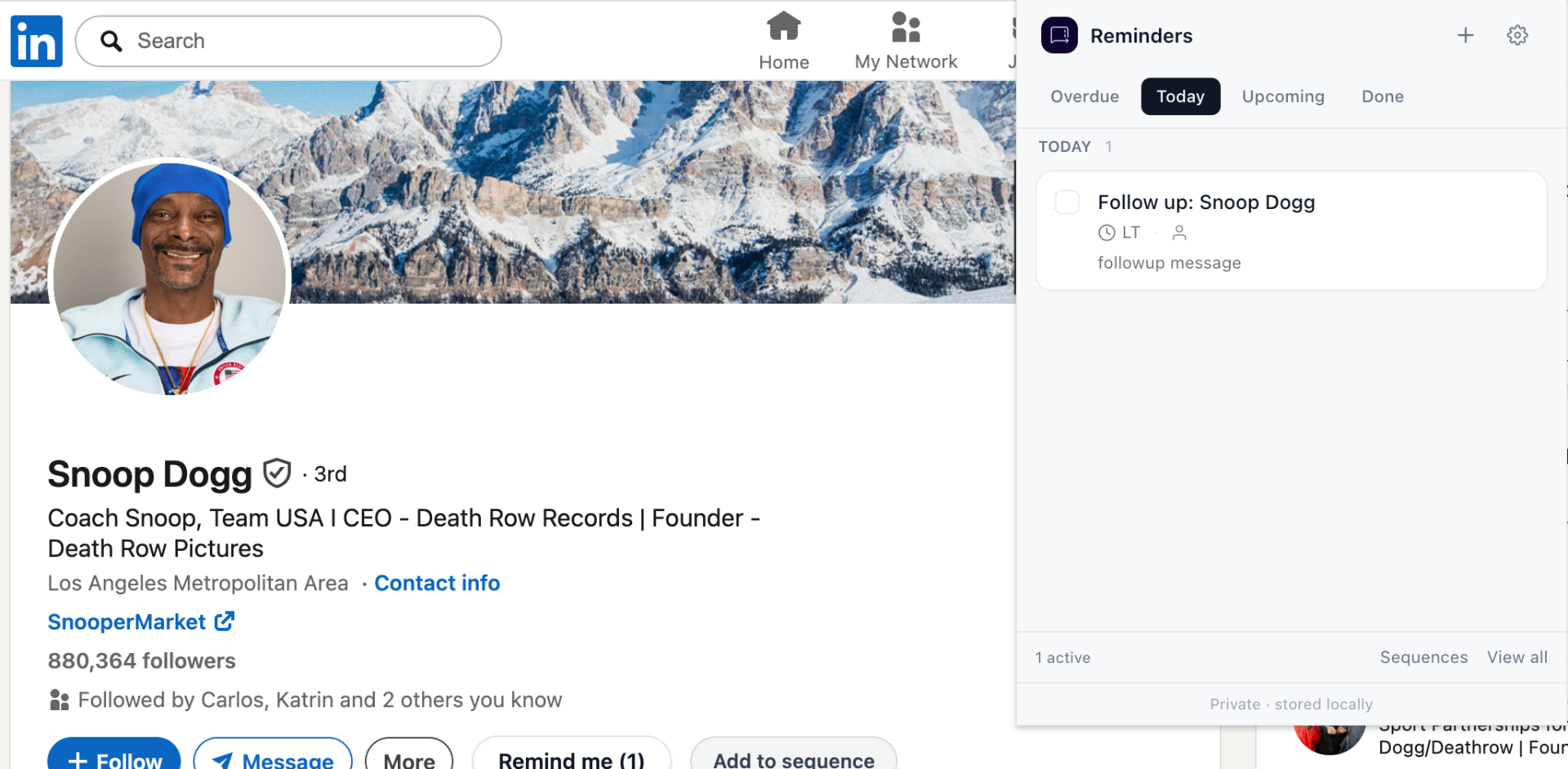
CRMs ask you to maintain a database. That works at scale, with a team, and with reporting requirements. For an individual following up on LinkedIn, the database is usually busywork — the real value is the reminder.
What LinkedIn Reminders replaces
- Sales CRM "next-step" fields that nobody updates.
- Personal CRM contact lists that go stale in a month.
- Spreadsheets full of LinkedIn URLs.
When to upgrade to a real CRM
Hire a teammate, start sharing pipelines, or need revenue reporting — that's when a CRM earns its keep. Until then, reminders are usually the entire stack.
Frequently asked questions
Do I need a LinkedIn CRM?
If you're a solo founder, recruiter, or seller managing fewer than a few hundred active conversations, a reminder system is usually enough. CRMs make sense once you have a team and reporting needs.
Is LinkedIn Reminders a CRM?
No. It's a focused Chrome extension that adds follow-up reminders to LinkedIn. There's no contacts database, no pipeline view, no reporting — by design.