
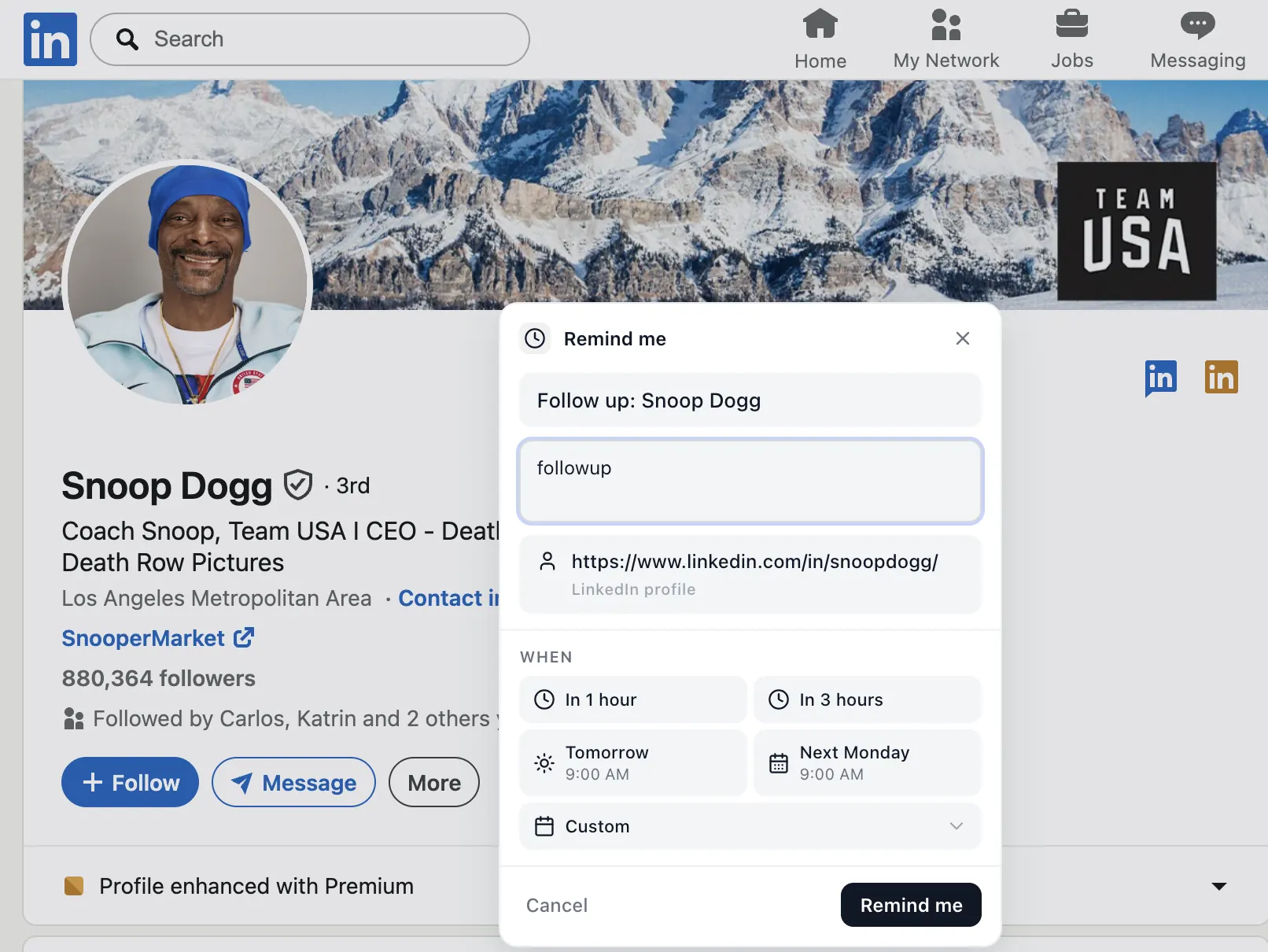
When LinkedIn Reminders fits better than Dex
- You only need reminders on LinkedIn, not on email or text.
- You don't want a separate contacts database to maintain.
- You'd rather not sign up for another account.
- You want the reminder to live next to the LinkedIn thread itself.
When Dex is the better choice
If you want a true relationship CRM with contact aggregation, birthday reminders, notes per person, and integrations across multiple platforms, Dex is the more complete tool. The two aren't really competitors — they solve overlapping problems at different depths.
What you give up, what you gain
Founders comparing the wider field can read the best LinkedIn CRM options for founders. You give up: a unified contact list, cross-platform tracking, notes-per-person. You gain: zero setup, no account, local-only data, and reminders that open the actual LinkedIn thread.
Cost and complexity: the real tradeoff
A relationship CRM pays off when you actively manage hundreds of contacts across several channels and enjoy keeping notes on each person. It costs you time, though: importing contacts, cleaning duplicates, tagging people and keeping the record up to date. If you skip that maintenance for a few weeks, the CRM quietly drifts out of date and stops being trusted.
A lightweight Dex alternative works the other way around. There is nothing to import and nothing to clean. You create a reminder only at the moment a follow-up is actually needed, from the LinkedIn profile, message or post you are already looking at. When the reminder is done, it is gone. The list stays short because it only holds things that need action.
A simple way to decide
- If most of your relationships start and continue on LinkedIn, start with reminders.
- If you track the same people across email, phone and events, a full CRM is worth the setup.
- If you are unsure, try the free extension for two weeks. If you keep wishing for notes across channels, move to a CRM then.
Either way, the habit matters more than the tool: decide on the next step at the end of every conversation, and write down when you will take it.
Frequently asked questions
What's the difference between Dex and LinkedIn Reminders?
Dex is a personal relationship CRM that aggregates contacts across networks. LinkedIn Reminders is a focused Chrome extension that only does LinkedIn follow-ups, with no account or CRM database.
Is LinkedIn Reminders free?
Yes. Install once from the Chrome Web Store.