Why "reply later" usually fails
Mental notes don't survive a busy week. Browser tabs pile up. LinkedIn's own flags don't ping you back at the right time. So messages quietly age out of memory.
What you actually need
- A way to capture a message in one click without leaving LinkedIn.
- A reminder at a specific time — not a vague "saved" pile.
- A link back to the original thread, with full context.
How LinkedIn Reminders does it
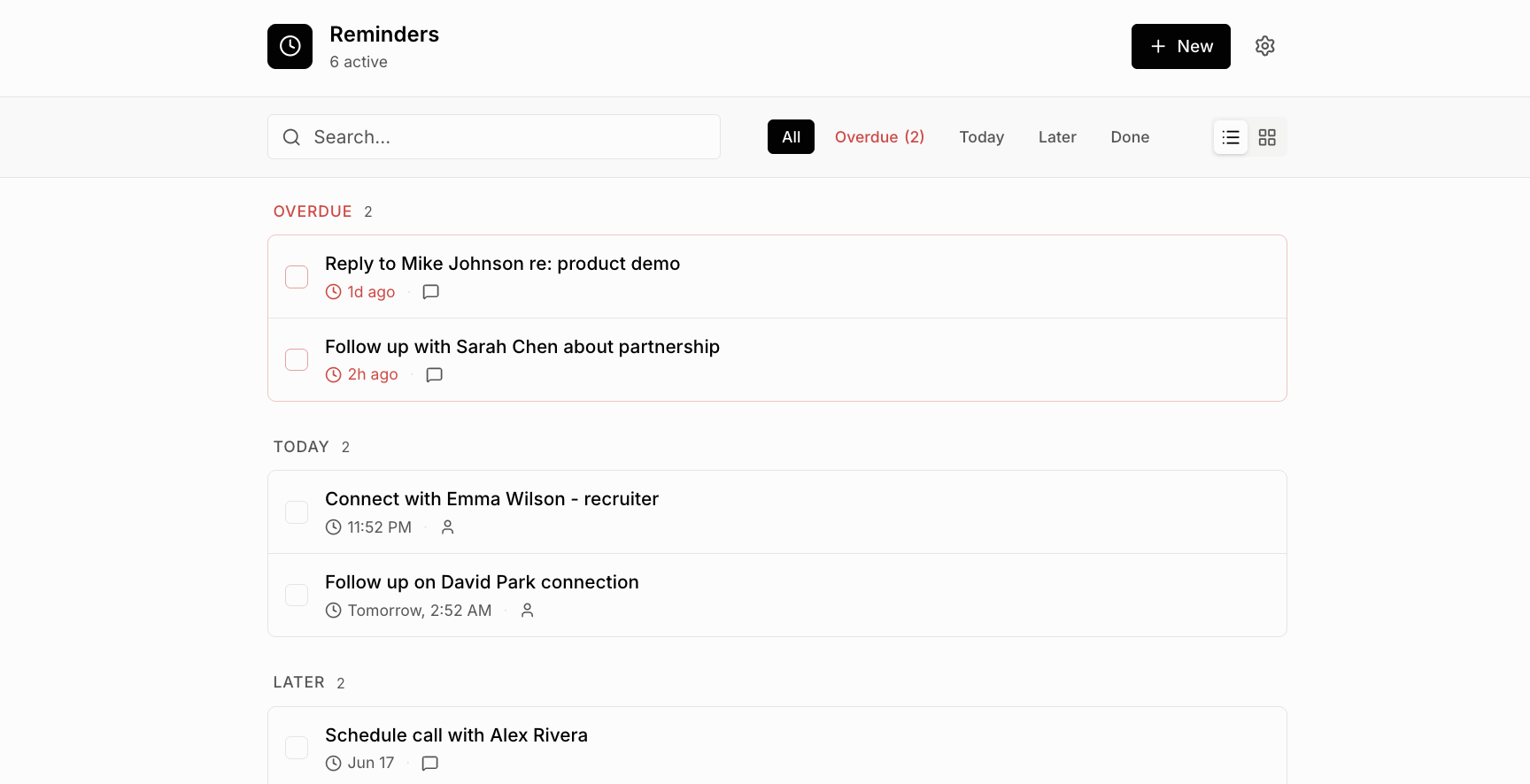
Click Remind me inside any conversation or on any post. Pick a time. When it fires, you get a direct link back to the exact spot in LinkedIn. Nothing leaves your browser.
Frequently asked questions
How do I save a LinkedIn message to reply later?
Open the conversation, click Remind me, and pick a time. The message comes back to you in your Reminders panel with a link back to the thread.
Can I save a LinkedIn post to read later?
Yes — click Remind me on any post to save it with a date. Great for posts you want to comment on after thinking, or share with a teammate.