The problem with LinkedIn message follow-ups
LinkedIn doesn't surface stalled conversations. Once a thread drops below the fold, it's gone until you scroll to find it. Starred messages don't expire. Marking unread is a blunt tool.
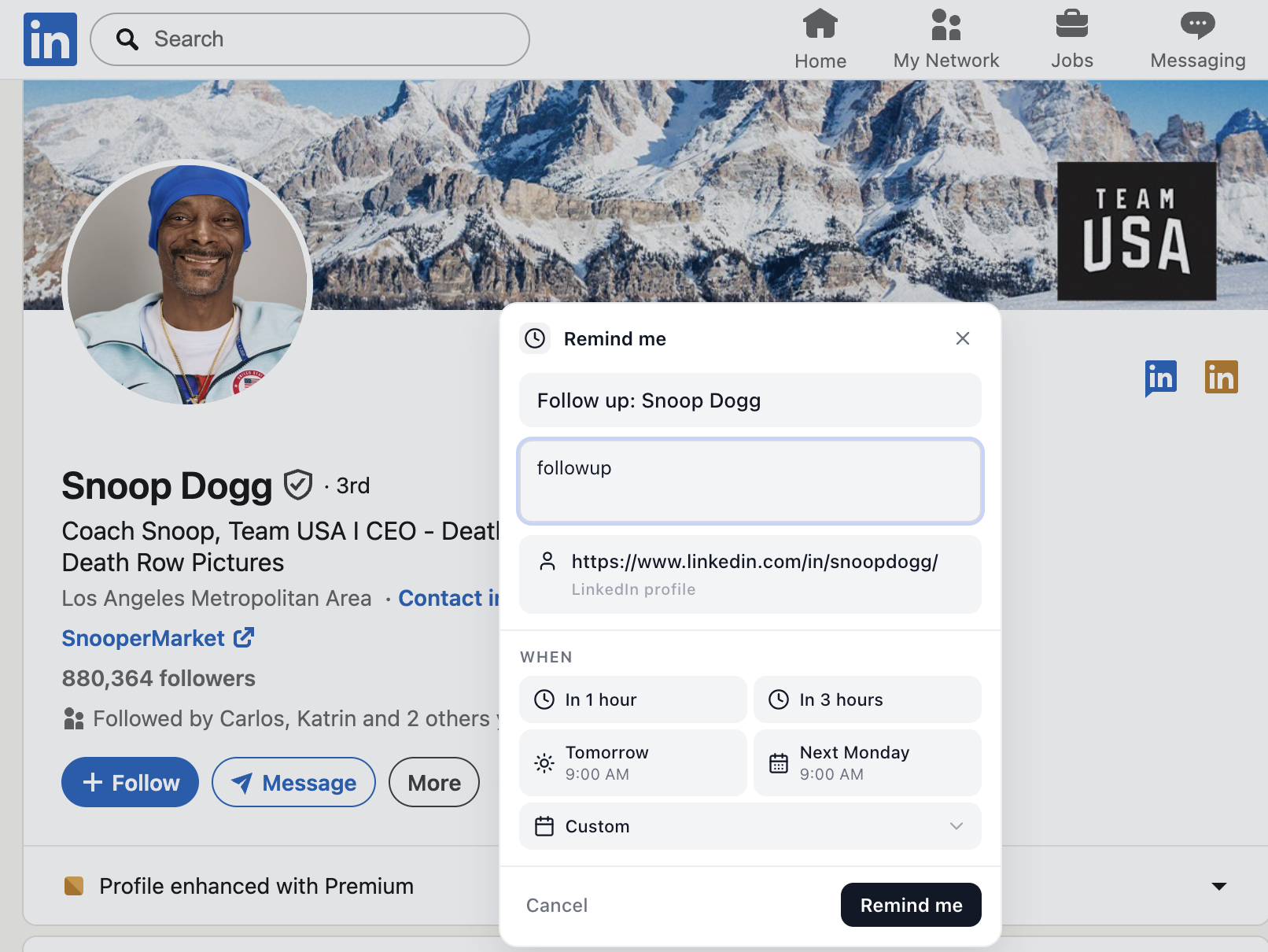
What a reminder on a LinkedIn message looks like
- Open any LinkedIn conversation.
- Click Remind me in the message thread header.
- Choose a date — later today, tomorrow, next Monday, or custom.
- When the time comes, the reminder appears with a direct link to the thread.
Who this is for
Recruiters waiting on a candidate, salespeople chasing a quiet prospect, founders managing investor conversations, BD folks running long partnership cycles — anyone whose LinkedIn DMs carry real money or real opportunity.
Frequently asked questions
Can I set a follow-up reminder on a LinkedIn message?
Yes. With the LinkedIn Reminders Chrome extension, every conversation gets a Remind Me button. Pick a time and the reminder appears in your panel with a link back to the thread.
What's the best way to follow up on a LinkedIn DM?
Wait 3–5 business days, reference the original thread, and keep it short. A reminder system makes this easy because the message context is one click away.