
Surfe vs Follow Up Reminder at a glance
| Surfe | Follow Up Reminder | |
|---|---|---|
| Main job | Sync LinkedIn contacts and messages to your CRM | Remind you to follow up on LinkedIn |
| Requires a CRM | Yes, built around one | No |
| Contact enrichment | Yes, on paid plans | No |
| Price | Free tier plus paid plans | Free |
| Best for | Sales teams with a CRM | Founders, freelancers, solo sellers |
| Where data lives | Vendor cloud and your CRM | Locally in your browser |
Pricing and features of Surfe change over time, so check their website for current details. This comparison focuses on how the two tools approach LinkedIn follow-ups.
What Surfe does well
Surfe sits on top of LinkedIn and pushes people, notes and conversations into your CRM, so a sales team's pipeline stays up to date without manual copy-paste. It also offers contact enrichment such as email lookup. If your company lives in HubSpot, Salesforce or Pipedrive, that bridge saves real time.
Why look for a Surfe alternative
Many people who try a LinkedIn CRM bridge don't actually have a CRM — or have one they rarely open. For them, the bridge adds a sign-up, a monthly bill, and another system to keep tidy. The thing they were missing was simpler: remembering to reply to someone next Tuesday.
A reminder layer instead of a sync
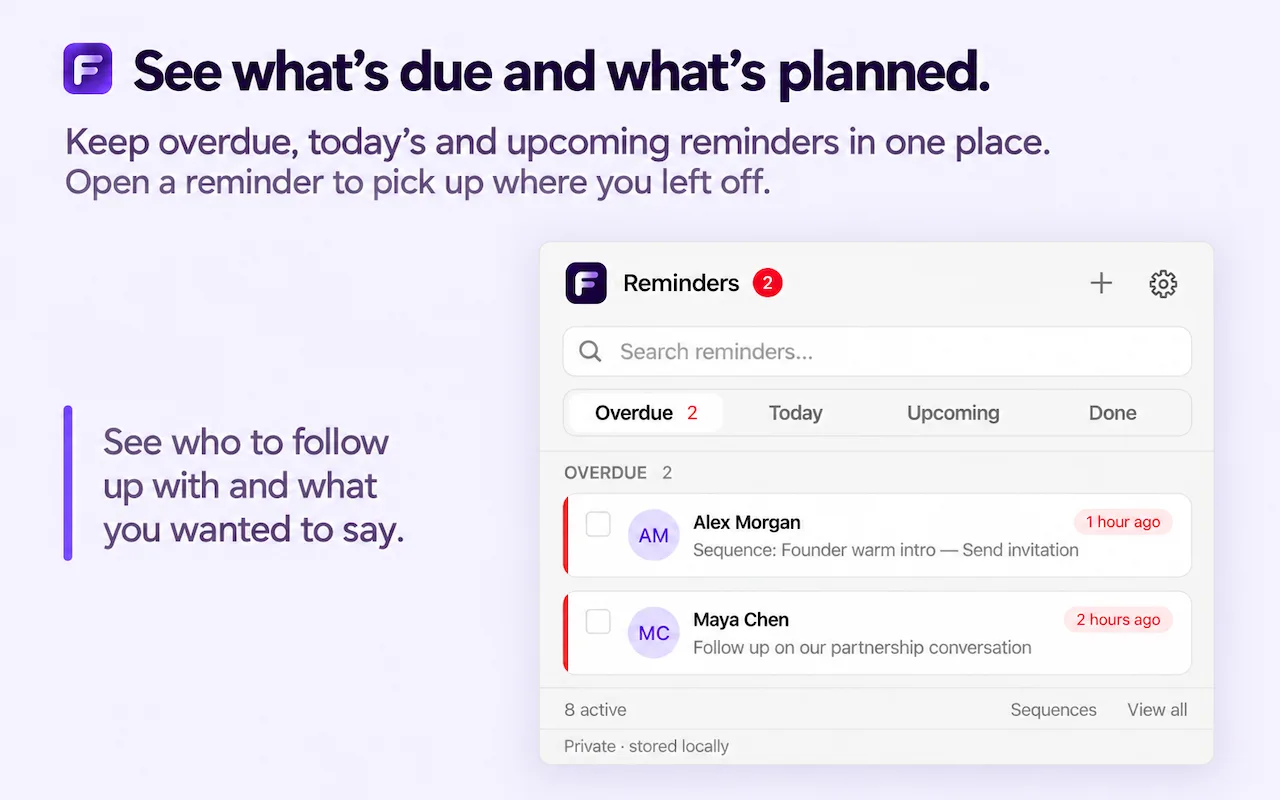
Follow Up Reminder adds a Remind me button to LinkedIn profiles, messages and posts. Set a date, add a note if you want, and the reminder shows up in a drawer with overdue and upcoming items. Notifications bring you back to the right page at the right time. There is no account and nothing is uploaded — reminders are stored locally in your browser.
When to keep Surfe
If you report on pipeline, share deals with colleagues, or need LinkedIn activity inside your CRM, Surfe solves a problem a reminder tool doesn't. The two can even sit side by side.
Choose Follow Up Reminder if…
- You don't use a CRM, or don't want LinkedIn data in one.
- You only need to remember who to follow up with and when.
- You want something free that works in a minute.
- You prefer your follow-up list to stay on your own computer.
See every capability on the features page, or read how to follow up on LinkedIn for timing and wording tips. Whatever you pick, the habit matters most: end each conversation by deciding the next step and when you'll take it.