
Rules before templates
- Reference the original thread in one line — never make them scroll.
- Add a new reason to reply. Not a bump, not a "circling back".
- Keep it under 4 sentences. Every extra line lowers the reply rate.
- Space touches: day 4, day 11, day 25. Then stop.
Cold outreach follow-up
"Hey {name} — following the note last week about {topic}. Just saw {trigger event} on your side, which is why this is on my mind. Worth a 15-min call, or should I ping you next quarter?"
Sales follow-up after a demo
"Thanks again for the demo. One thing I forgot to mention: {proof point}. Happy to send the one-pager, or should we lock a 20-min follow-up on Thursday?"
Recruiter follow-up
"Hey {name} — no update on my end, just keeping the door open. If {current company} ever changes shape, ping me first."
Networking check-in
"It's been a minute. Saw {something they posted / shipped} — nice work. No agenda; would love to trade notes on {shared topic} sometime this quarter."
Make the timing automatic
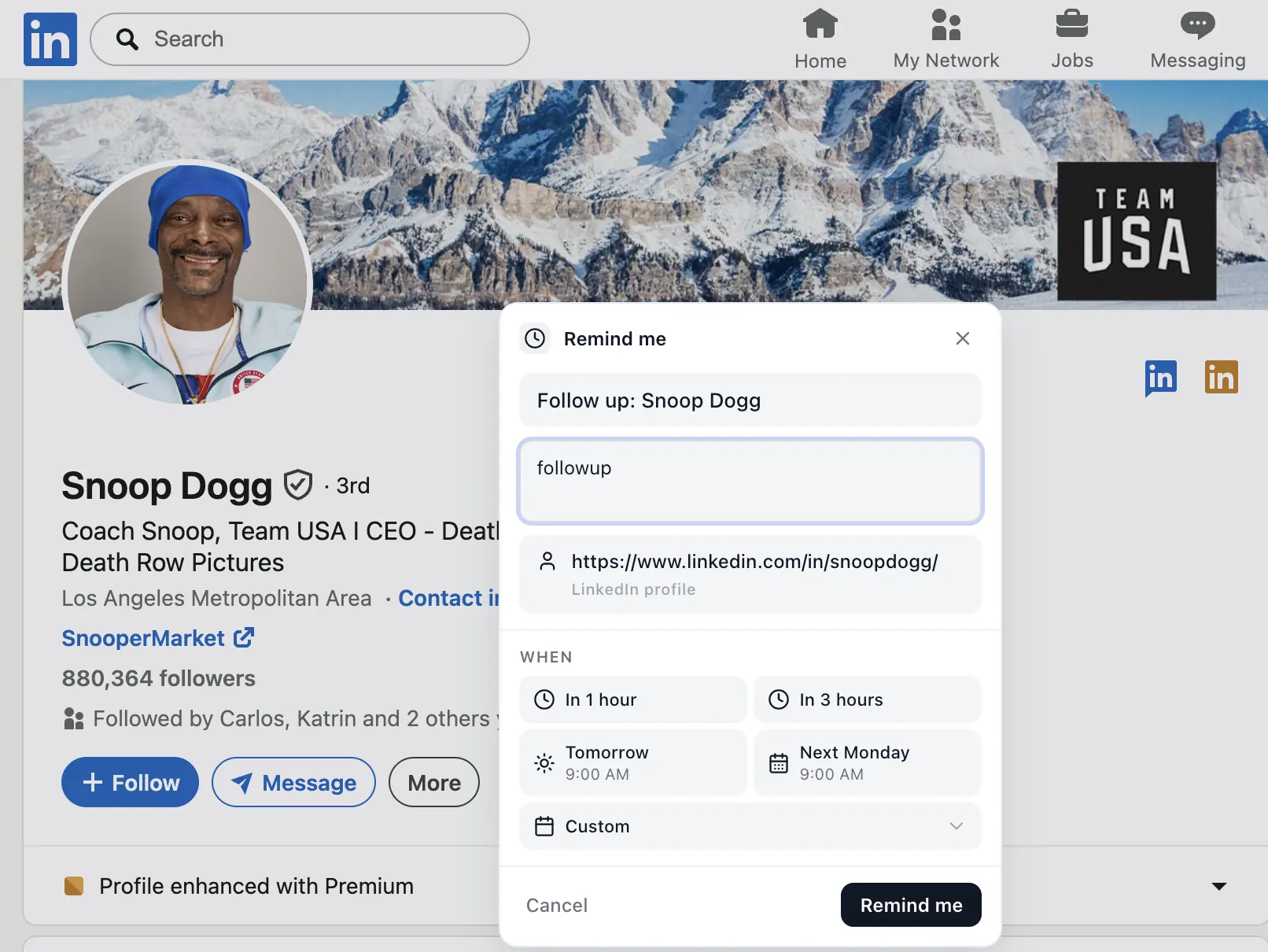
The reason people don't send follow-ups isn't the copy — it's the calendar. Set a reminder on the LinkedIn thread itself so day 4 and day 11 don't sneak past you. The DM follow-up playbook covers the full cadence.
Frequently asked questions
How long should I wait before following up on LinkedIn?
3–5 business days for the first follow-up, then 7–10 for the second. After a third attempt, move on and try again in a quarter.
How many times should I follow up on LinkedIn?
Three touches is the sweet spot. More than that reads as pushy without new context or value.